
使用情境
探索 OpenL AI 圖片翻譯器的各種用途。
日本語英語
原文
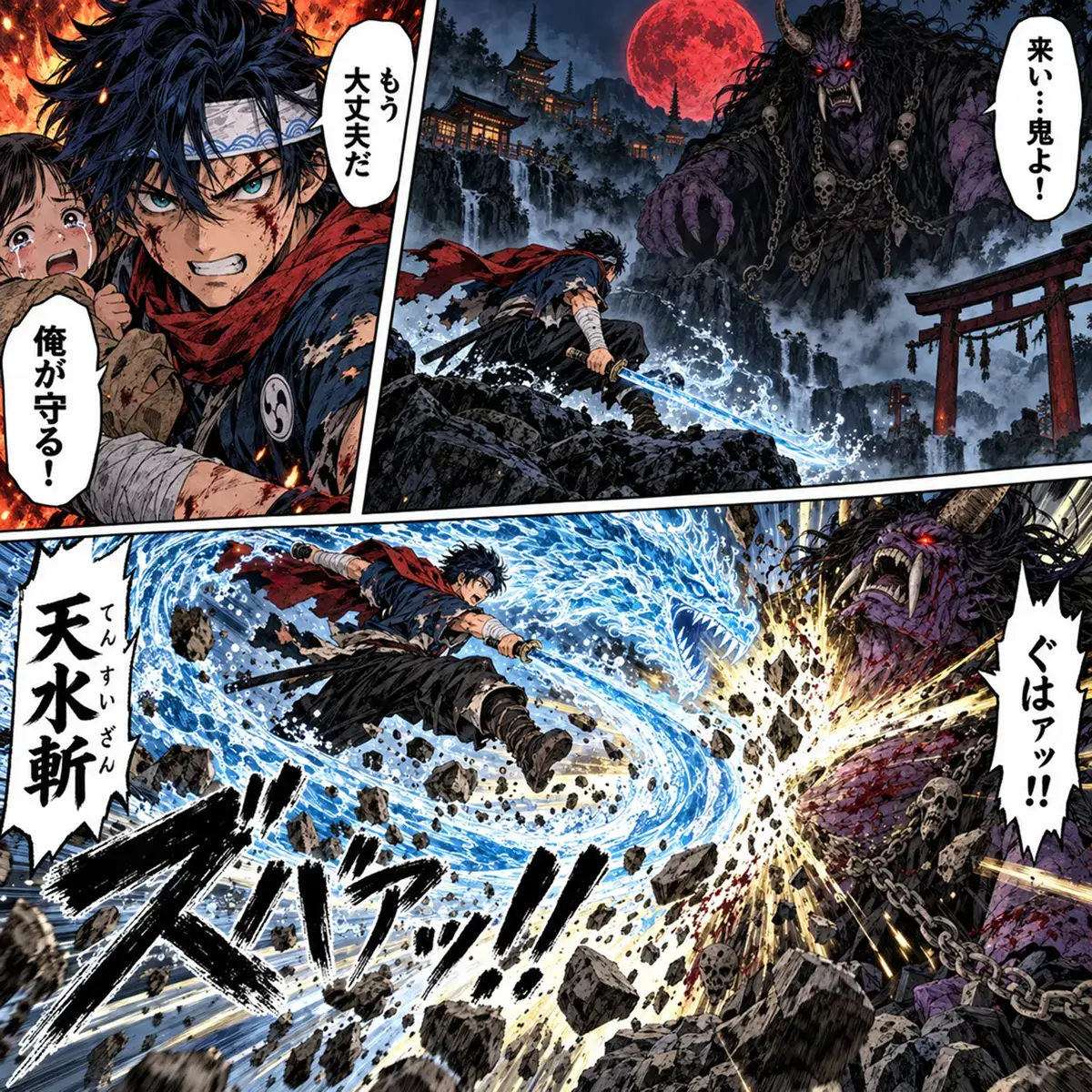
譯文
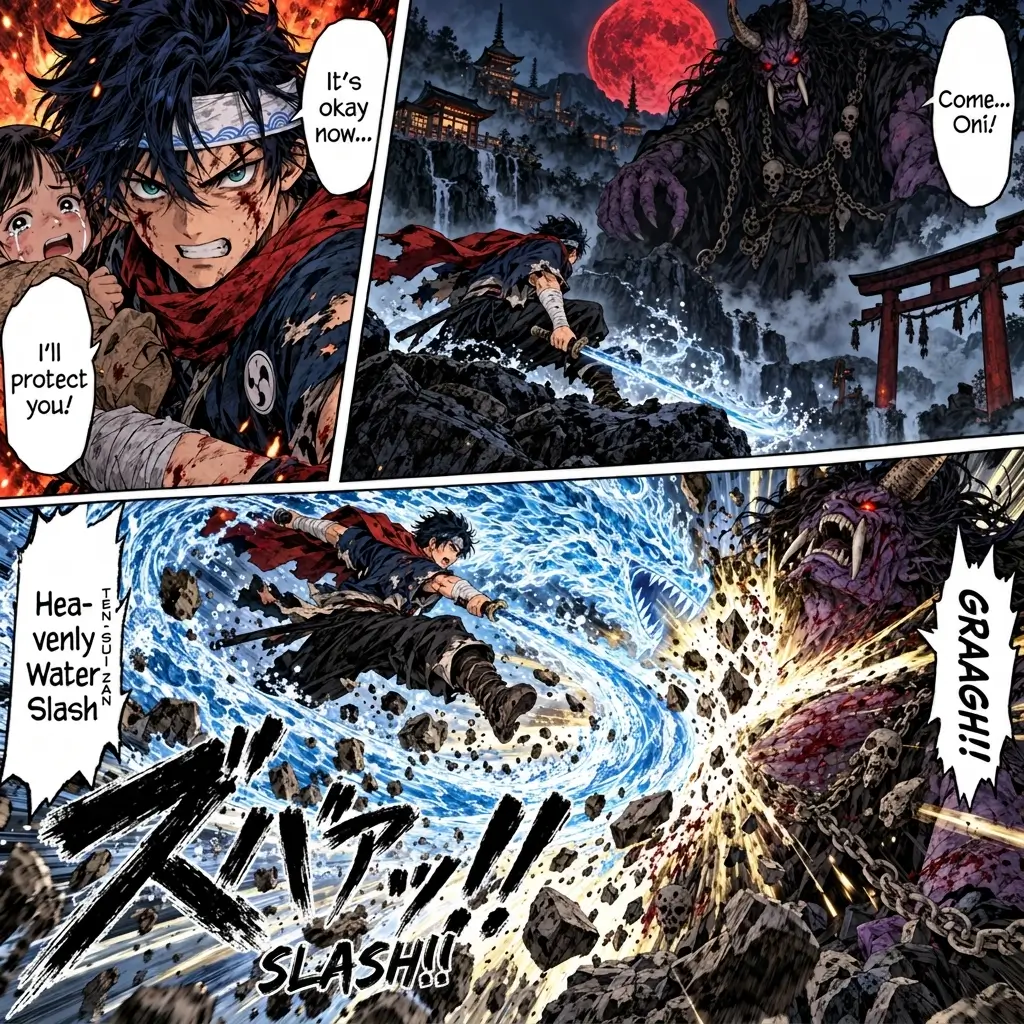
線上將圖片翻譯成 僧伽羅語
精準將圖片翻譯成 僧伽羅語,並支援 OCR 手寫辨識。
選擇年付最高可省 50%
Starter
$8.9/月,按年計費開始使用- Unlimited Fast Credits
- 每日 3 次圖片對圖片翻譯
- 支援掃描 PDF 翻譯i每日 10 份掃描 PDF 翻譯
- 最多 30,000 單次可處理字元數
- 可上傳檔案上限 30 MB
- 隨時可取消
- Ad free
- 更多功能 →
- 最受歡迎
Pro 50% 折扣
$9.9/月,按年計費
立即升級- 1,000 Advanced Credits/month i進階模式提供精準、專業的翻譯
- Unlimited Fast Credits
- 每日 10 次圖片對圖片翻譯
- 支援掃描 PDF 翻譯i每日 30 份掃描 PDF 翻譯
- 最多 100,000 單次可處理字元數
- 可上傳檔案上限 100 MB
- 不限次數 AI 偵測
- Translate Agenti為複雜內容提供更好的翻譯。
- Pro OCRi更好地辨識複雜圖片
- Chrome 擴充功能支援
- 隨時可取消
- Ad free
- 更多功能 →
- 1,000 Advanced Credits/month
Ultimate
$29.9/月,按年計費開始使用- Unlimited Advanced Credits i每月使用 4,000 個進階額度後,為防止濫用請求率可能會被限制。可聯絡我們移除此限制。
- Unlimited Fast Credits
- 每日 30 次圖片對圖片翻譯
- 支援掃描 PDF 翻譯i每日 100 份掃描 PDF 翻譯
- 最多 150,000 單次可處理字元數
- 可上傳檔案上限 100 MB
- 不限次數 AI 偵測
- Translate Agenti為複雜內容提供更好的翻譯。
- Pro OCRi更好地辨識複雜圖片
- Chrome 擴充功能支援
- 隨時可取消
- Ad free
- 更多功能 →
- Unlimited Advanced Credits
It makes my surprise at its quality and score even bigger. I can only repeat myself, a really strong showing.
 TranslatePress
I find myself turning to OpenL more and more for any task that requires high accuracy, document integrity, and peace of mind about my data.
 Skywork
This is of great help to express oneself into another language which is not my mother tongue. Good to know the message comes across without possible misunderstandings in communication. Great tool!
 Trustpilot
如何線上翻譯圖片
- Step 1
上傳圖片
上傳或拖曳圖片進行翻譯。支援 JPG、PNG、WebP、GIF、SVG 格式。
- Step 2
選擇目標語言
選擇目標語言,並選擇 Text 或 Image。如文字難以辨識,可開啟 Pro OCR。
- Step 3
複製或下載
可複製翻譯文字,或選擇 Image 時下載翻譯後的圖片。
圖片翻譯常見問題
常見問題
圖片翻譯器是免費的嗎?
是的。每天都能免費翻譯圖片文字,無需註冊。Image 輸出也可免費試用有限次數。Pro OCR 需搭配 Pro 或 Ultimate 使用。
圖片翻譯器能辨識手寫嗎?
可以。遇到手寫、特殊字體、模糊文字或複雜背景時,請開啟 Pro OCR,可提升辨識準確度。
可以下載翻譯後的圖片嗎?
可以。選擇 Image 作為輸出,翻譯後即可下載圖片。免費用量有限,升級方案可獲得更多次數。
翻譯後的圖片會保留原本排版嗎?
僅選擇 Image 輸出時會保留排版。OpenL 會產生保留整體排版與視覺風格的翻譯圖片。Text 僅提供可編輯的翻譯文字,不保留圖片排版。遇到複雜設計、特殊字型或細緻背景時,結果可能有所不同。
支援哪些圖片格式?
OpenL 支援上傳 JPG、PNG、WebP、GIF、SVG 格式。翻譯器會顯示您帳戶目前的檔案大小限制。
哪些圖片可以翻譯?
可翻譯照片、截圖、電影海報、廣告、漫畫、日漫、菜單、招牌、商品圖片及手寫筆記。遇到難以辨識的手寫內容可開啟 Pro OCR,如需翻譯後的圖片請選擇 Image 輸出。
支援多少種語言?
OpenL 可翻譯超過 100 種語言,包括英文、西班牙文、中文、日文、韓文、法文、德文、阿拉伯文及葡萄牙文等。
該選 Text 還是 Image 輸出?
Text 會提供可編輯、可複製或下載的翻譯文字。Image 則會產生包含翻譯文字的圖片,並保留原有排版與視覺風格。